Ableton has introduced a MIDI editor in Ableton Note. Let’s explore the advantages and features it offers to users.
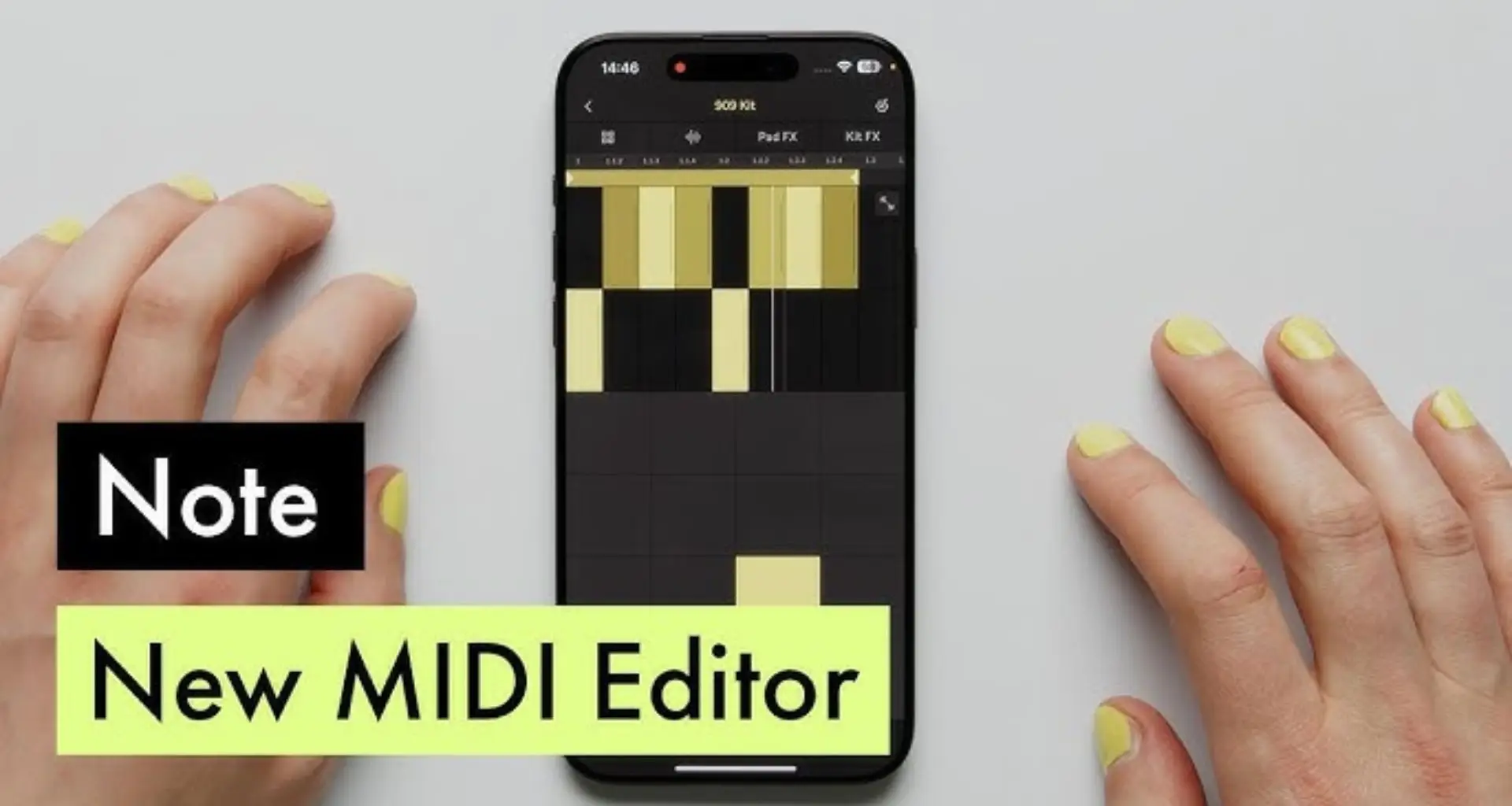
The 1.3 update introduces an extensive new MIDI Editor that allows you to sequence notes and beats by placing them directly onto the grid. With just a few taps, you can create drums, chords, melodies, and basslines. You can directly listen to the results and experiment with different patterns and variations in real time.
Direct MIDI Note Input: You can now tap directly on the grid to add, remove, or adjust notes.
Full-Screen MIDI Editing: The full-screen mode allows for detailed control over note placement, length, and velocity.
Quantization and Adjustments: Notes can be snapped to the grid, manually adjusted, or quantized to fit your rhythm seamlessly.
Sequence drums:
Users can build beats in seconds by sequencing drums, adjusting note velocities and quantization, and modifying the pitch of individual hits. They can also quickly create fills to introduce rhythmic variation to their patterns. This feature aids in developing more detailed drum patterns with added groove and swing.
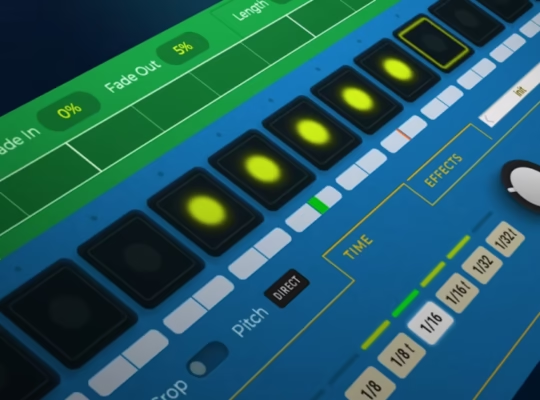
Step Sequencing: Easily tap and place drum hits on the grid to build beats in real-time.
Velocity Adjustments: Fine-tune the dynamics of each drum hit by adjusting velocity levels.
Pitch Control: Modify the pitch of individual drum sounds, making it possible to create more expressive drum patterns.
Quantization & Groove: Keep your beats locked to the grid, or add human-like groove variations.
Lay down chords:
In this update, you can now expand the MIDI Editor to full-screen mode for more precise control. This feature allows you to easily select the correct notes using key and scale lock, as well as create chord progressions through loop duplication and note transposition.
Full-Screen Chord Editor: This makes it easier to see and modify your chord progressions.
Key & Scale Lock: Helps you stay in key while experimenting with different chord voicings.
Loop Duplication & Transposition: Quickly duplicate and transpose chord patterns to develop complex harmonies.
Build a melody or bassline:
To create melodies and basslines, simply tap on the grid to get started quickly. Then, use the MIDI Editor’s menu commands to adjust pitch, position, and note length for the perfect fit.
Tap-to-Place Notes: Drag and drop notes into the grid to compose melodies and basslines effortlessly.
Adjustable Note Length: You can now modify the duration of each note for a more natural feel.
Fine-Tune Pitch & Timing: Move notes freely to craft the perfect melody.
Some MIDI Editor features in Ableton Note are:
- Access the MIDI Editor through the Instrument View, either alongside the Pad View or in full-screen mode.
- Tap to add or delete MIDI notes.
- Move MIDI notes horizontally to change their position, or vertically to transpose them.
- Adjust note length by dragging the handle on the right side of a note.
- Drag up and down on a note’s right-side handle to adjust its velocity.
- 16 Pitches: Change the pitch of individual drum notes via the Note Properties menu.
Note is an iOS app for iPhone and iPad, available on devices supporting iOS 15 and above.
Check out: Ultimate Guide to Free Piano VST Plugins (2025 Edition)