

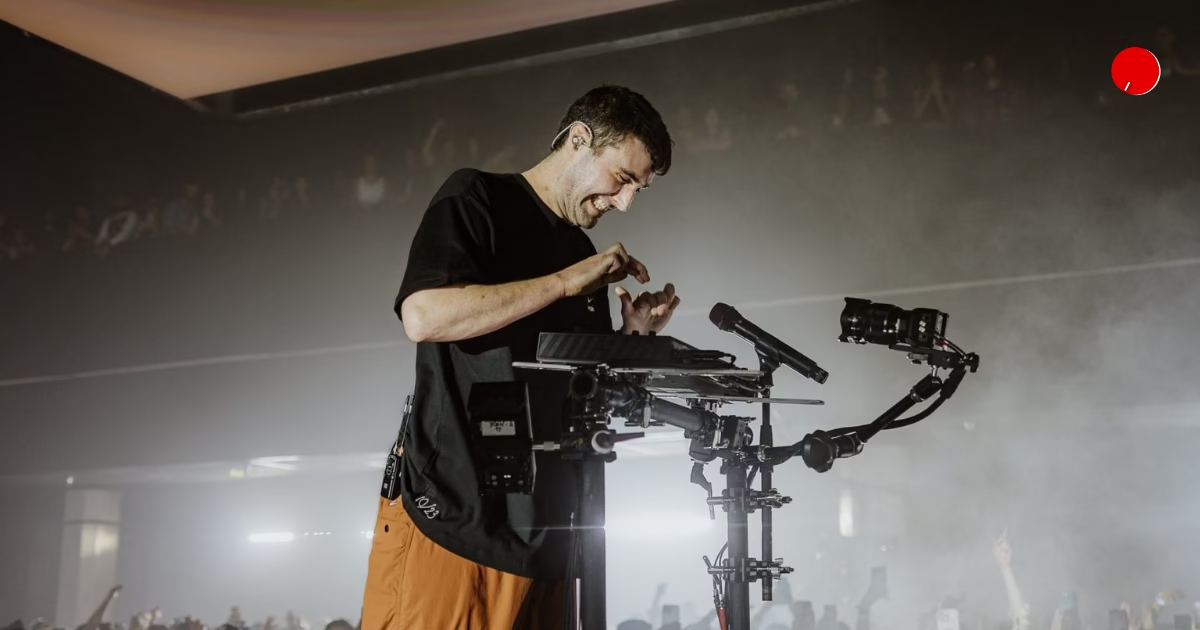
If you’re a fan of Fred Again.. or just admire his production, here’s every VST plugin he actually uses, from Logic stock tools to iZotope VocalSynth 2 and Valhalla reverbs
This is the second entry in our series on the plugins top music producers actually reach for. This time we’re back with another electronic music artist. Fre again.. makes records that sound like they were built in an afternoon out of voice notes, field recordings, and whatever was lying around the session. That’s not an accident, and it’s not really about gear either. In interviews, he’s said the exact same sound can come out of Logic’s stock plugins or a stack of industry-standard third-party tools, and nobody in the room would notice the difference. What matters more is taste and speed.
Still, producers ask about gear and plugins for a reason. Knowing what’s in someone’s chain gives you a starting point, a shortcut past months of trial and error. So we pulled together the plugins tied to Fred Again..’s workflow, digging through his Equipboard profile, threads on Reddit, and his Twitch livestreams where he’s shown parts of his setup in real time. From his go-to Logic stock tools to the weirder plugins like PaulXStretch that show up in his vocal chops and textures, here’s everything we found.
Read Next: 7 AI Plugins That Will Actually Make You a Better Producer in 2026
Here are the top 10 plugins Fred again.. Actually uses:
- iZotope VocalSynth 2
- Denise Audio God Mode
- UAD Avalon VT-737 Tube Channel Strip
- Logic Stock Plugins
- Sonosaurus PaulXStretch
- Valhalla Plugins
- Audiomodern Panflow
- FabFilter Volcano 3
- Sonic Charge Bitspeek
- Safari Pedals Fox Echo Chorus
Check Out: Skrillex Secret Weapons: Top 10 VST Plugins He Actually Uses
1. iZotope VocalSynth 2:
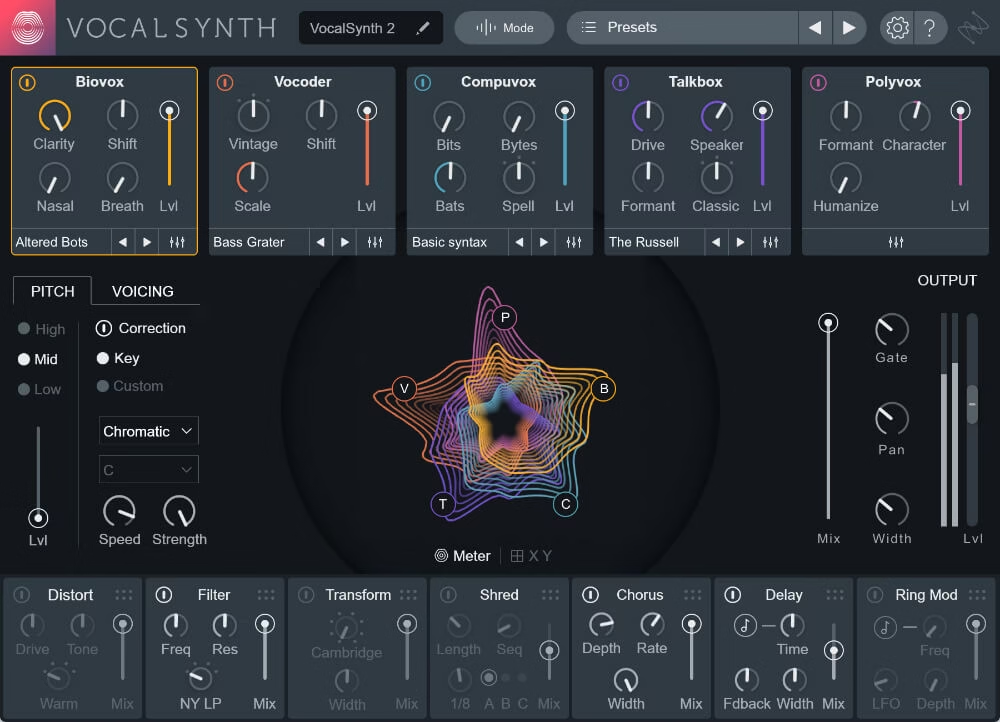
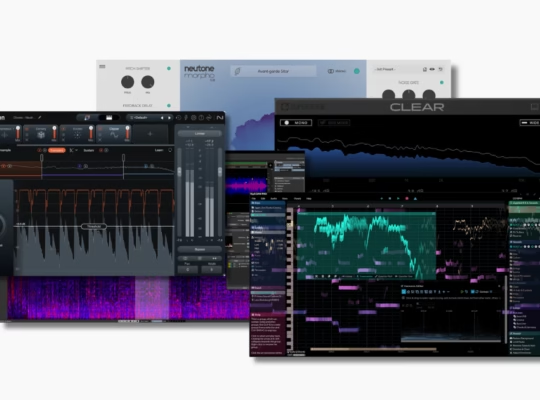
If you’ve ever wondered how Fred again.. gets those glitchy, half-robotic vocal textures that sit somewhere between a chopped sample and a synth line, vocal synth is a big part of that answer, and it’s one of the tools that comes up again and again on his plugin listings. It bundles five distinct vocal modules, a vocoder, a talkbox, and modules built for choir-style layering, compu-voice effects, and biovox harmonics into one plugin, then lets you blend them together with its own effects rack of delay, reverb, and distortion on top.
What makes it useful in a stutter house context is how fast you can move from a clean vocal to something completely mangled without leaving the plugin. You’re not chaining five separate tools. It’s one window, one signal path, and a huge amount of vocal character on tap.
2. Denise Audio God Mode:
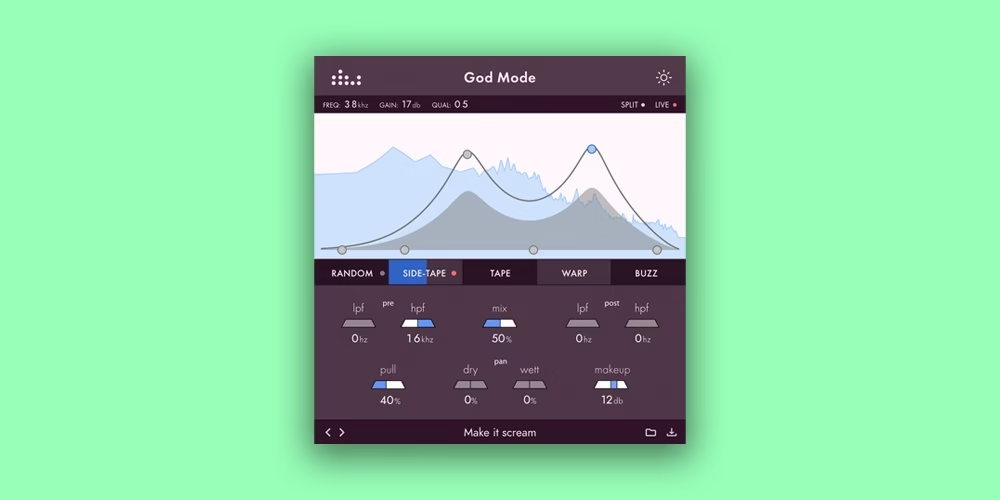
God Mode by Denise is a multiband saturated plugin, but the way it lets you saturate is what sets it apart. Instead of one blanket drive knob, it uses a push-pull EQ graph inspired by the old Pultec tube equalizer from the 1950s. You push a frequency band up, the plugin pulls it back down through the drive circuit, and the result is warmth and grit that’s targeted rather than smeared across the whole signal.
Inside, you get three flavors of drive: Tape for smooth analog-style hysteresis, Warp for something more aggressive, and Buzz for wave-shaped distortion that can get properly nasty. All three can run at once, blended to taste, and there’s a sidechain input so you can pulse the tape saturation off your kick or a rhythmic source. That’s a trick a lot of dance producers lean on to add motion to a bassline or a pad without touching the fader. It’s also one of the plugins spotted in Fred’s library during “In the Studio with Fred again..” hosted by plaqueboymax, where he’s seen using it in session.
3. UAD Avalon VT-737 Tube Channel Strip:
This one’s a straight emulation of a serious piece of studio hardware, the Avalon Design VT-737sp, a tube mic preamp, EQ, and compressor combo that’s lived in high-end studios for decades. The plugin version carries over the same three-band EQ and compressor combo that’s lived in high-end studios for decades. The plugin version carries over the same three-band EQ, opto-style compression, and tube coloration that made the original a go-to for vocals and bass.
For a producer working mostly in the box, a plugin like this is a shortcut to that expensive-studio warmth without needing the actual rack unit sitting on a desk. Running a vocal or a bass through it early in the chain tends to glue things together and add a bit of harmonic richness before any other processing happens.

4. Logic Stock Plugins:
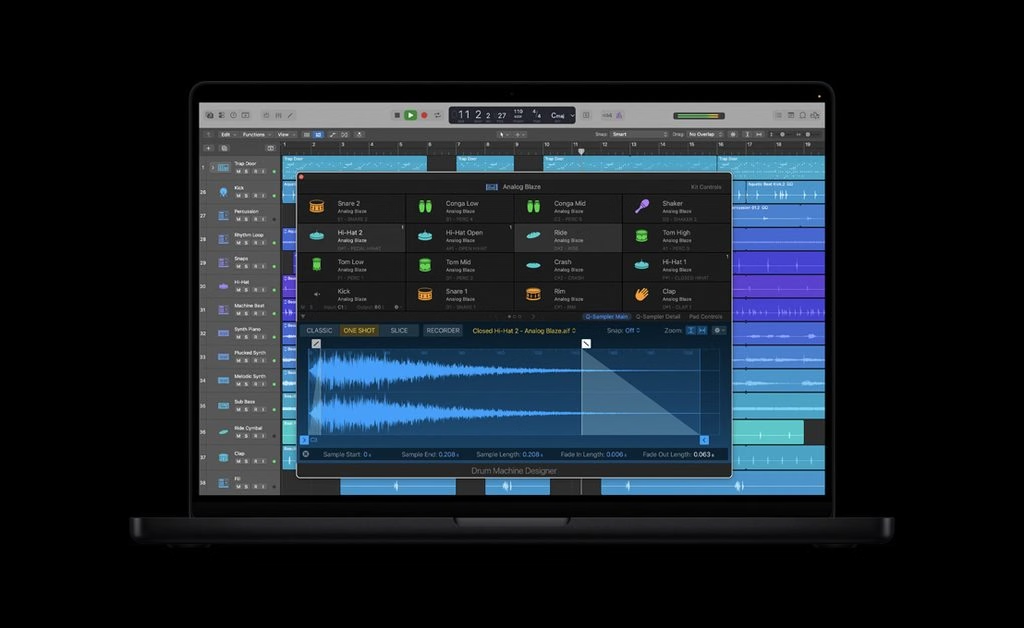
Here’s the part that surprises people. Fred again… has been open about leaning hard on the plugin built right into Logic Pro, tools most producers skip past on their way to buying something flashier. He’s talked through this live on his Twitch streams more than once, and the Silver Compressor shows up constantly in his workflow, along with ES2, Logic’s built-in synth, which he’ll often start from a plain sine wave rather than a preset.
The point he’s made publicly is worth repeating. He ran a workshop where he built the same vocal, drum, and guitar sounds in three different ways: using Logic’s stock tools, once with one plugin set and once with another, and played all three back to a room of producers. Nobody could reliably tell them apart. Gear matters less than knowing your tools inside out, and Logic’s stock plugins are deep enough that most producers never fully explore them. This applies to every DAW, whether you’re using Ableton, Cubase, or even FL Studio.
5. Sonosaurus PaulXStretch:
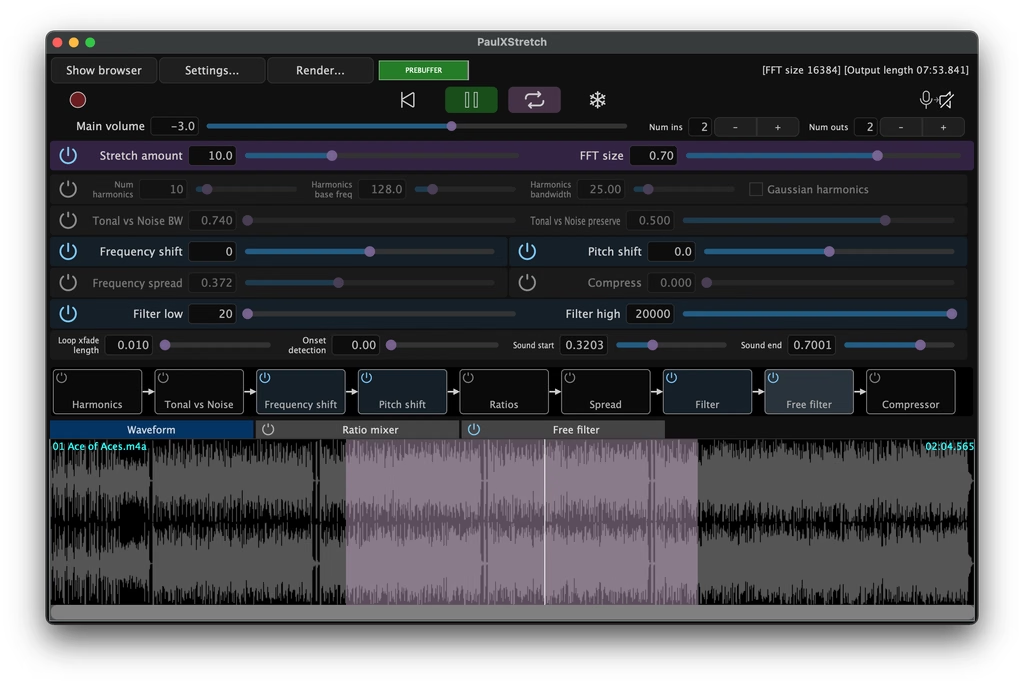
PaulXStretch is a free time-stretching plugin built around the Paulstretch algorithm, the same technique behind those famous ultra-slowed-down tracks that turn a two-minute song into a twenty-minute ambient wash. It works by breaking audio into tiny grains and stretching them independently, which lets you pull a sound out to absurd lengths while keeping pitch intact.
For texture work, this is a goldmine. Stretch a vocal chop or guitar swell way out, and you get pads and atmospheric beds that would take hours to design from scratch with a synth. It’s the kind of tool that turns a leftover sample into the backbone of a new track.
6. Valhalla Plugins:
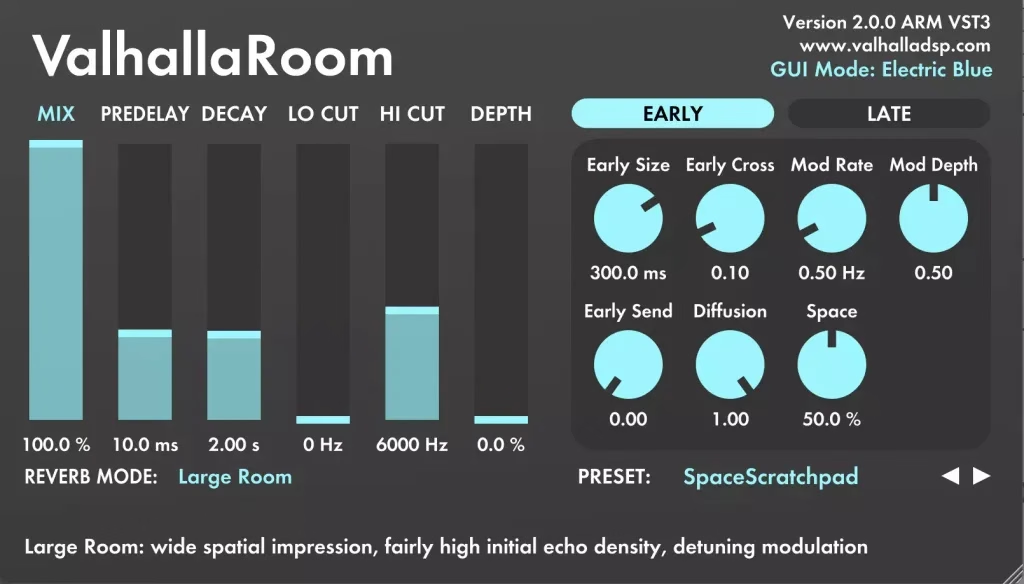
Valhalla DSP has built a reputation on making reverb and delay plugins that sound expensive without costing anywhere near what the big mastering-grade options do, and it’s a name that comes up constantly whenever producers on Reddit swap notes on Fred again..’s sound. ValhallaRoom, ValhallaVintageVerb, and ValhallaDelay are the names that come up most often, each covering different territory, from tight, natural room ambience to shimmering, modulated vintage tails and rhythmic delay throws.
What producers tend to love is how musical the algorithms feel straight out of the box. You’re not fighting the plugin to get a usable reverb tail, and the presets alone cover a huge range of moods, from a subtle plate on a vocal to a massive, washed-out space on a synth pad. For anyone building emotional, atmospheric electronic music, a Valhalla reverb or delay is close to a default choice.
7. Audiomodern Panflow:
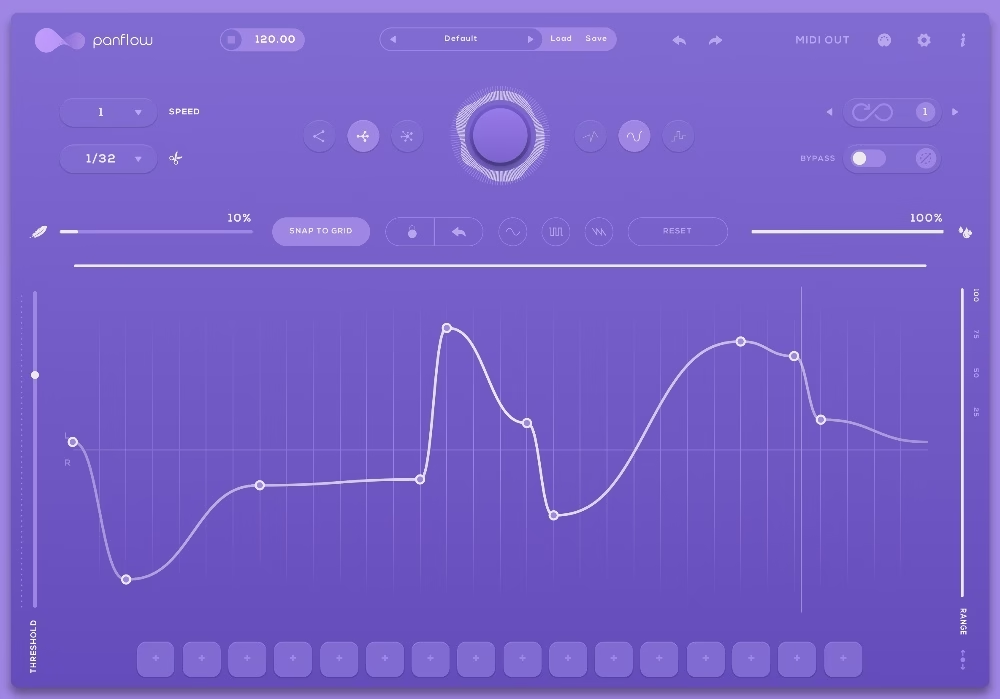
Panflow is a free creative panning modulator, and it’s easy to underestimate because of that. Instead of setting a static pan position and forgetting about it, Panflow lets you build evolving, rhythmic panning patterns that sync to your host tempo, complete with a pattern editor and three different curve modes for how the movement behaves.
Drop it on a static pad, a hi-hat, or a pluck, and it instantly adds motion without you touching an automation lane. It’s a small plugin, but it’s the kind of tool that makes a mix feel alive rather than glued to the center of the stereo field.
This is one of the most recommended free plugins from this list, which you should definitely add to your list.
8. FabFilter Volcano 3:
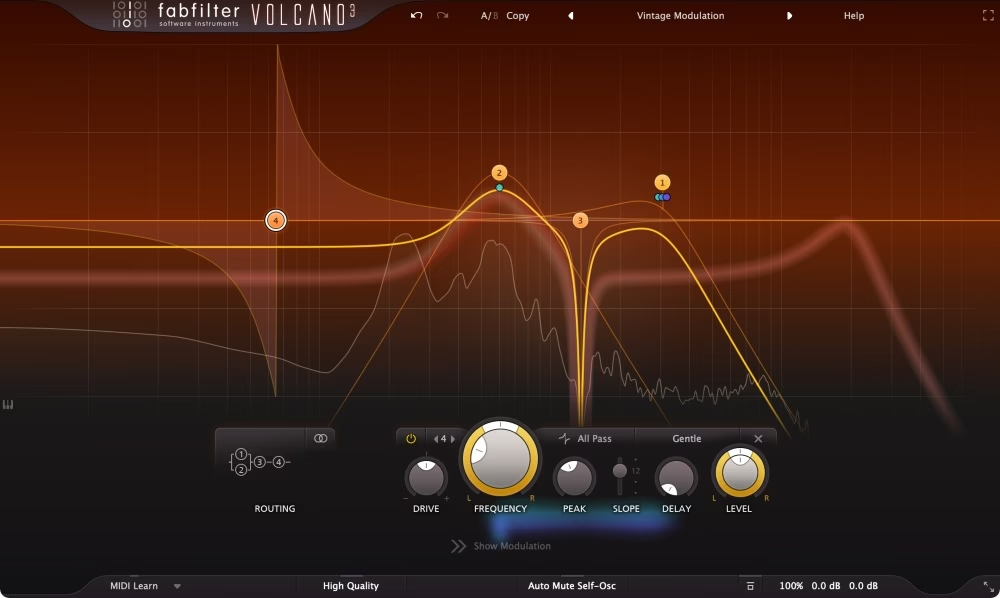
Volcano is FabFilter’s creative filter plugin, and it goes well beyond a basic low-pass or high-pass. You get multiple filter types that can run in series or parallel, a built-in modulation sequencer, distortion, and an X/Y pad that lets you morph between filter shapes in real time. It’s built for sound design as much as mixing.
This is the plugin you reach for when a sound needs to breathe and move rather than sit static in the mix. Automate the X/Y pad across a build, and you get that classic rising filter sweep that dance music has leaned on for years, except with far more character than a stock filter sweep gives you.
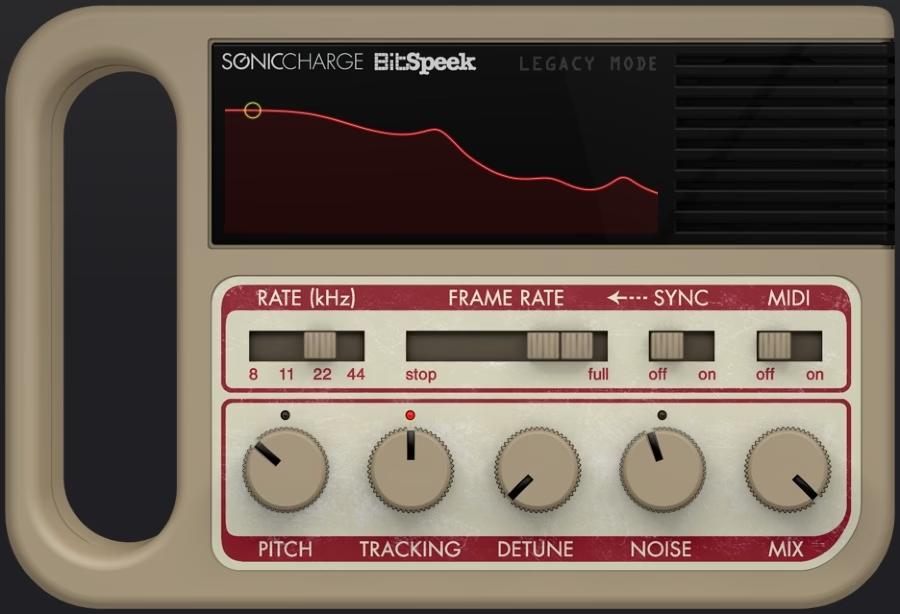
9. Sonic Charge Bitspeek:
Bitspeek is a strange, brilliant little plugin that recreates the sound of low-bitrate speech codecs, the kind of crunchy, robotic vocal texture you’d hear from an old walkie-talkie or a cheap phone call. It works using linear predictive coding, a technique originally developed for compressing speech, repurposed here as a creative effect.
For a producer chopping vocal samples into something that feels fractured and lo-fi, Bitspeek gets you there in seconds. It’s not trying to sound clean. That’s the entire appeal, and it’s a big part of how modern dance and pop productions get that intentionally degraded, texture-forward vocal sound.
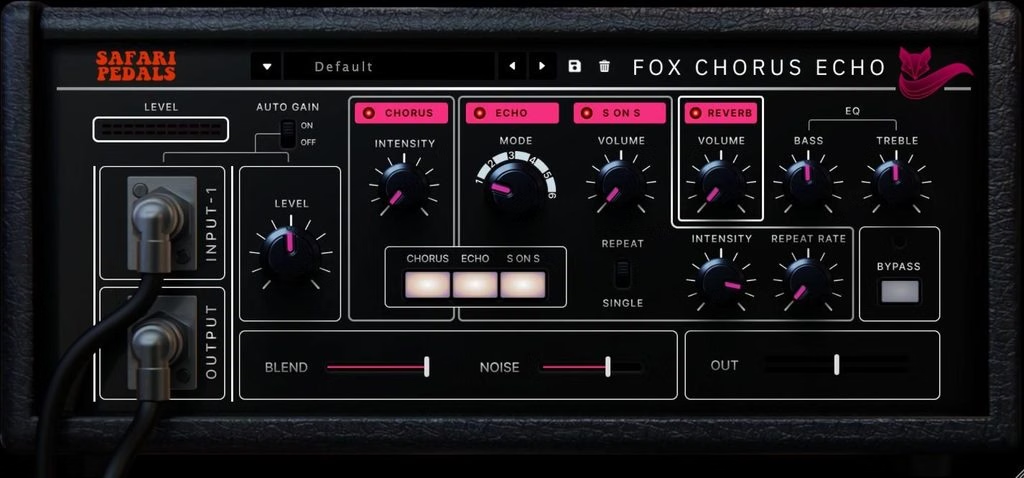
10. Safari Pedals Fox Echo Chorus:
Fox Echo Chorus is a tribute to the vintage tape echo and chorus units from the 1970s, the kind of hardware that gave old records their warbly, slightly unstable warmth. The plugin combines analog-style tape delay across six switchable echo modes with a modulated chorus circuit and a two-band EQ, plus a sound-on-sound function that mimics tape recording on top of itself for feedback-style textures.
It’s not trying to be surgical. It’s trying to sound like a room full of old tape machines, hiss and all, and that’s exactly why it works so well on pads, guitars, and vocal doubles that need a bit of vintage grit without turning into a full lo-fi effect.
None of these plugins is a magic button. Fred again.. himself has made the point louder than anyone that the tool matters far less than the ear behind it. But knowing what’s in a working producer’s chain still gives you a map, a place to start experimenting instead of getting lost in an endless plugin store search.
If you’re building out your own vocal and texture toolkit, this list is a solid place to begin. Pick two or three that solve a problem you’re actually running into, learn them properly, and worry about the rest later.
This has been part two of our series on the plugins top producers actually use. Follow Off the Knob for the next one.
Follow us on Instagram – @offtheknobhq
- Slate Digital Is Giving Away 16 Free Plugins Forever
- Plugin Boutique Just Announced Membership With Free Plugins
- The Founder of Teenage Engineering Reveals Why They’re Quitting Synths
- Novation Finally Launched the FLpad: A Pad Controller Made Just for FL Studio
- 11 Best Reverb Plugins for 2026 (Beginner to Pro Guide)
3 Comments
Comments are closed.